

Online learning has become much more interactive than traditional classroom activities, and game-based platforms are a major reason for that change. Instead of simply answering questions from a worksheet, students can participate in competitive activities where correct answers, quick decisions, and smart strategies influence the outcome. Blooket is one platform that has gained attention for combining educational questions with game-style experiences. A central part of joining a live session is the blooket game code, which allows players to enter a particular game hosted by someone else.
For students, understanding how a game code works can make joining a classroom activity much easier. The code connects players with the specific session created by a teacher or host. Once the correct code is entered, participants can usually select their player identity and wait for the host to begin. The process is designed to be simple enough for younger students while still giving teachers flexibility when organizing activities.
The usefulness of a blooket game code goes beyond simply entering a game. It creates a bridge between the host and the participants without requiring every student to manually search for the same activity. This makes live classroom sessions faster to organize and gives teachers a practical way to bring an entire group into one interactive learning environment.
What Is a Blooket Game Code?
A blooket game code is a temporary identifier associated with a live Blooket game session. When a teacher or another host starts a game, participating students need a way to identify the exact session they are supposed to join. The game code serves this purpose by distinguishing one live session from another.
It is important to understand that the code itself is not the game. Instead, it works more like an entry key for a particular session. The host creates or selects the educational content and chooses an appropriate game mode. After starting the session, the platform provides information that players can use to join. Students then enter the provided code through the appropriate joining interface.
Because live sessions can change, students should not assume that an old code will always work. A code may be associated with a specific session and may no longer be useful after that session ends. This is one reason why players should generally use the code provided by their current teacher or host rather than relying on random codes found elsewhere.
How Does a Blooket Game Code Work?
The basic idea is straightforward. A host prepares a game and launches a live session. The platform generates a session identifier, and students use that information to connect to the active game. Once participants have successfully joined, the host can monitor the lobby and start the activity when everyone is ready.
The blooket game code is therefore most useful during live gameplay rather than as a permanent password. It identifies a particular session at a particular time. This distinction is important because someone searching for an old code may discover that it no longer works. Live game information can change whenever a new session is created.
Another useful aspect is that students generally do not need to understand complicated technical settings. The host provides the necessary joining information, while participants focus on entering the session and preparing to play. This simplicity is one of the reasons game-based classroom platforms can work effectively with groups of different ages and technical abilities.
How to Join a Live Blooket Game
Joining a live activity usually begins with receiving the session information from the teacher or host. Students should carefully enter the provided code in the designated joining area. A single incorrect digit or character can prevent the platform from recognizing the session, so checking the code before submitting it can save time.
After entering the correct information, the player may be asked to choose a name or select a Blook, depending on the session setup. The player then waits in the game lobby until the host starts the activity. This waiting period is useful because the teacher can confirm that the expected participants have joined before beginning the questions.
For younger students, teachers can make the process even easier by displaying the code clearly on a classroom screen. They can also read it aloud when necessary. If several students cannot join, the problem may be caused by an incorrectly entered code, an expired session, a browser issue, or the host not having started the game properly.
Why Game Codes Are Useful for Classrooms
One major advantage of using a blooket game code is that it reduces the amount of setup required for students. Rather than asking every participant to locate a particular question set independently, the teacher can organize the activity and provide one session code to the entire class.
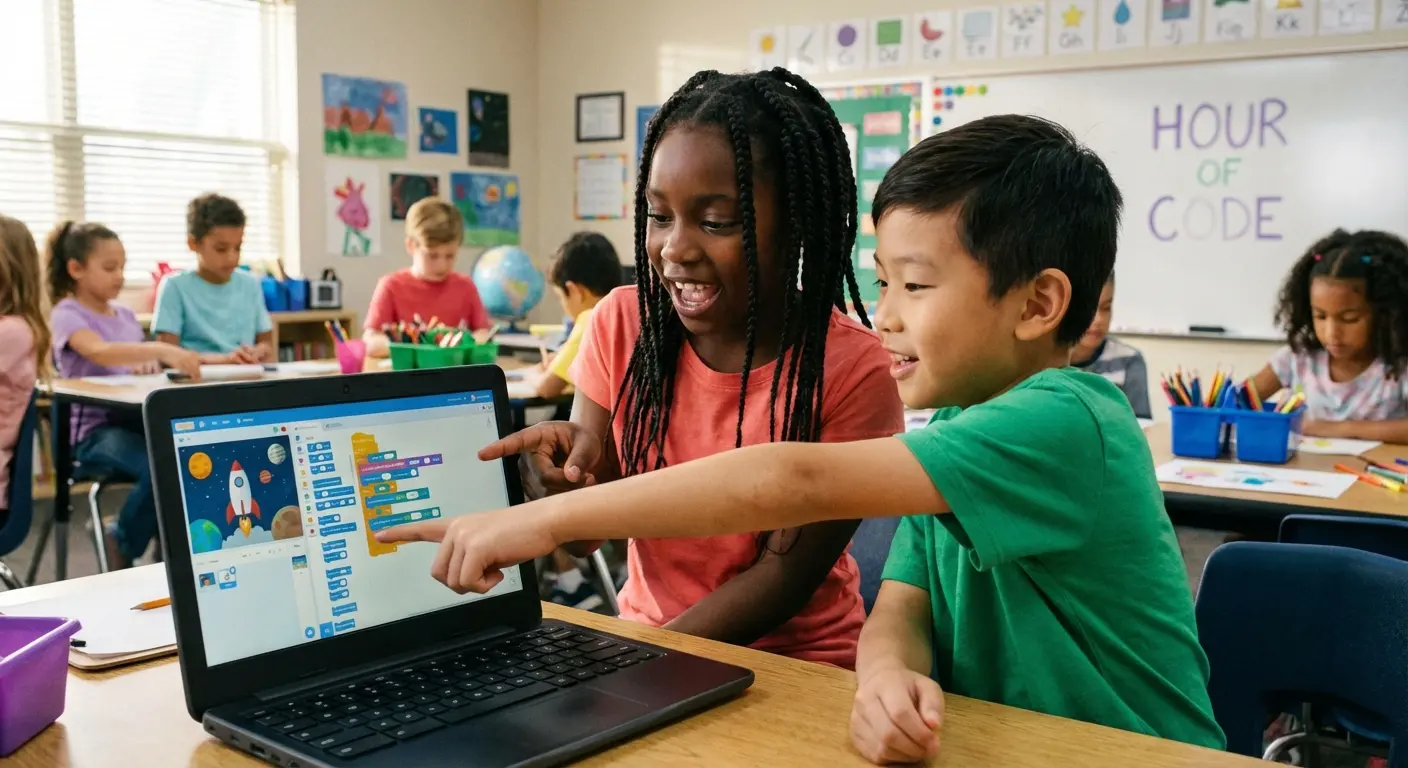
This approach is especially useful when a teacher wants to move quickly from instruction into practice. For example, after explaining a mathematics topic, the teacher could start a short game containing questions related to fractions or percentages. Students join the live session, answer questions, and receive immediate game-related feedback. The activity can make revision feel less like a traditional test and more like an interactive challenge.
Game codes can also help teachers maintain control over the session. The teacher decides when the activity begins and which content is used. Students participate in the specific game selected for that classroom rather than independently choosing unrelated activities.
Blooket Game Code and Different Game Modes
The educational content is only one part of the Blooket experience. Different game modes can change how students interact with the questions. Some modes emphasize competition, while others introduce resource management, progression, or strategic decisions.
This variety can make repeated practice more interesting. A teacher might use one mode for a quick warm-up and another for a longer review session. The questions can remain connected to the same subject while the gameplay experience changes.
The important point is that the blooket game code does not determine the educational topic by itself. The host’s selected question set and game mode determine what players actually experience. The code simply helps players connect to the relevant live session.
| Feature | Purpose in a Live Game |
|---|---|
| Game code | Helps participants enter the active session |
| Question set | Provides the educational questions |
| Game mode | Determines the style of gameplay |
| Player name | Identifies a participant during the activity |
| Host controls | Allow the teacher to manage the session |
How Teachers Can Use Game Codes Effectively
Teachers can use live game sessions for more than simple entertainment. A well-designed activity can support revision, assessment, classroom engagement, and knowledge reinforcement. The key is choosing questions that match the learning objective instead of treating the game only as a competition.
For example, a science teacher reviewing ecosystems could prepare questions about food chains, habitats, producers, and consumers. Students could then join the session using the provided code and work through the questions. The teacher can observe how students respond and identify concepts that may require additional explanation.
Teachers can also use shorter sessions at the beginning or end of a lesson. A five-minute activity can work as a recap, while a longer session may be suitable for reviewing an entire unit. Because the game format creates immediate participation, it can help break up long periods of passive instruction.
Tips for Students When Joining a Game
Students should treat the joining code as session-specific information. If a teacher provides a new code, the latest code should normally be used instead of an older one. Entering random codes from unofficial sources can lead to confusion because there is no guarantee that those codes are connected to the intended classroom activity.
A few simple habits can make joining smoother:
- Carefully check every character before submitting the code.
- Use the latest code provided by the host.
- Make sure the internet connection is stable.
- Follow the teacher’s instructions for choosing a player name.
If the session does not appear after entering the information, students should avoid repeatedly guessing codes. The better approach is to confirm the code with the host and check whether the game is currently active.
Can You Find Random Game Codes Online?
People sometimes search for publicly shared codes because they want to join an activity without being part of the original classroom. However, live game codes are generally connected to specific sessions, and their availability can change. A code that worked earlier may no longer provide access later.
The more reliable approach is to receive the joining information directly from the host. This is particularly important for classroom activities because the teacher may expect only specific students to participate. Searching for random codes can also produce outdated information that does not match the current game.
A blooket game code should therefore be viewed as temporary session information rather than a permanent resource. Its value comes from connecting a player to the correct live activity at the right time.
Common Problems When Entering a Game Code
Although joining a live game is usually simple, technical problems can occasionally occur. The most obvious issue is an incorrectly entered code. Even a small typing mistake can prevent a player from reaching the correct session.
Another possibility is that the host has not started the game or has already ended the session. Since the code is associated with a live activity, its usefulness depends on the state of that session. Browser problems, network interruptions, or temporary platform issues can also affect the joining process.
When something goes wrong, students should first confirm the code with the host. If the code is correct, refreshing the page or checking the internet connection may help. Teachers can also restart the session when necessary if the original activity is no longer available.
Making Blooket Activities More Educational
The strongest classroom use of game-based learning comes from connecting gameplay with clear educational goals. Simply making an activity competitive does not automatically improve learning. Questions should be relevant, understandable, and appropriate for the students’ current level.
Teachers can improve activities by mixing straightforward recall questions with questions that require reasoning. For instance, instead of asking students to memorize a definition, a question could describe a situation and ask students to identify the correct concept. This encourages students to apply knowledge rather than simply recognize familiar words.
The game format can then provide motivation while the question set delivers the educational value. When these two elements work together, students can practice concepts repeatedly without feeling that they are completing another conventional worksheet.
Safety and Responsible Participation
Students should also use game-based platforms responsibly. They should follow classroom rules, use appropriate player names, and avoid attempting to disrupt other participants. Teachers can establish expectations before starting the session so everyone understands how the activity should be used.
It is also sensible to avoid sharing classroom session information unnecessarily. If a game is intended for a specific group, participants should respect the host’s instructions about who should join. Responsible use helps keep the activity focused and prevents unnecessary distractions.
Conclusion
A blooket game code is a simple but important part of joining a live educational game. It acts as a session identifier that connects students with the activity prepared by a teacher or host. Understanding how the system works can make classroom gameplay smoother and reduce common problems such as entering outdated or incorrect information. For teachers, live game sessions can provide an engaging way to review lessons, practice important concepts, and encourage participation. For students, they offer a more interactive alternative to conventional revision activities. The real educational value comes from combining suitable questions, thoughtful game modes, and active participation.